July 8, 2024
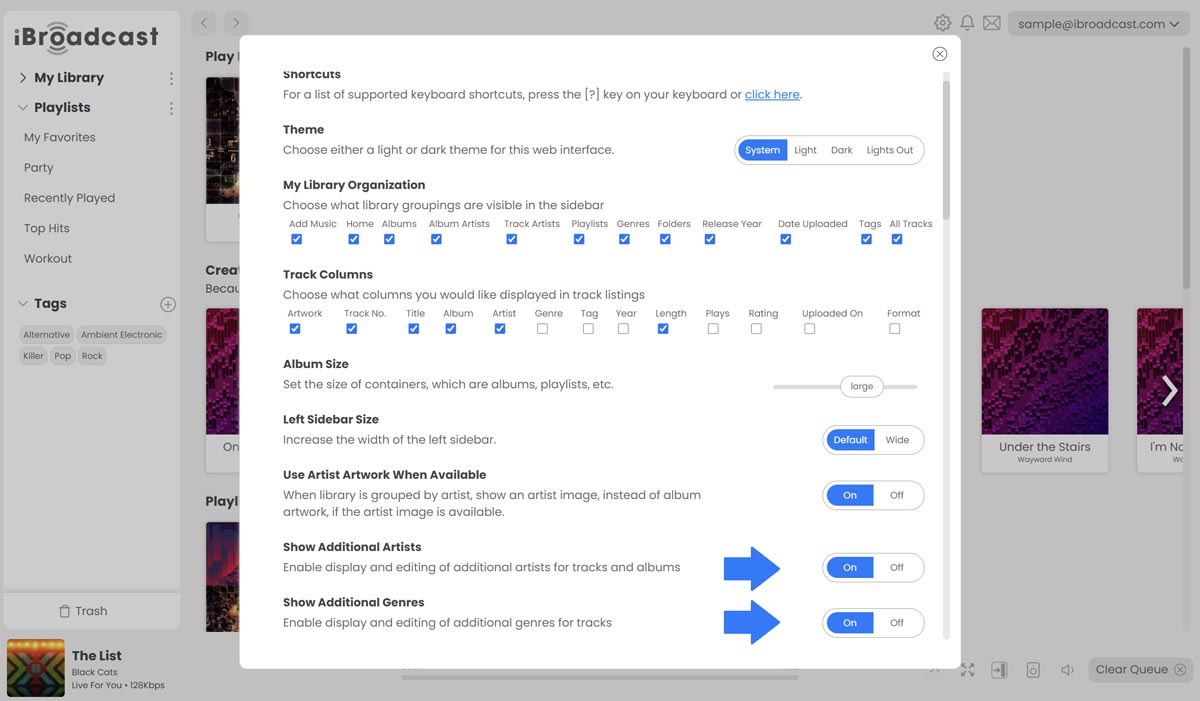
Expanding on our May 30th update, in which we added support for additional artists and genres, we've now added a setting to turn that option on and off. To enable displaying and editing additional artists for tracks and albums, go to Settings and toggle on "Show Additional Artists". Similarly, for additional genres on tracks, select "Show Additional Genres" in Settings.
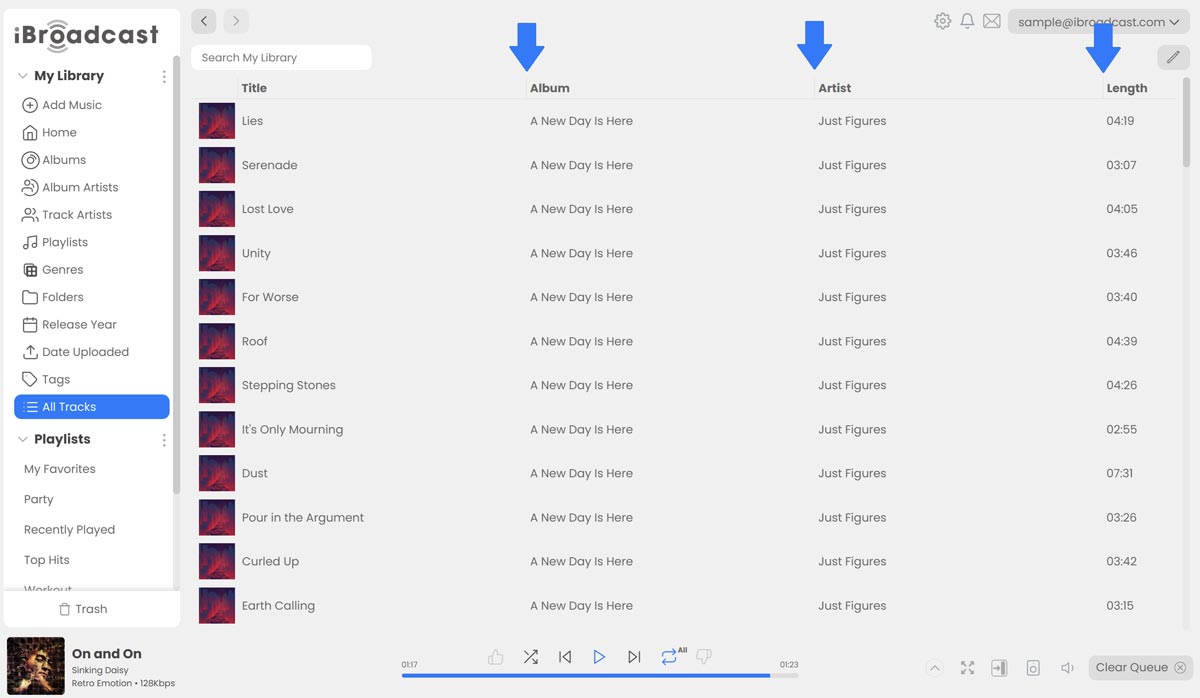
This update also includes a new feature for resizing columns on "All Tracks". To resize a column, simply click and drag the column dividers at the top of the page.
Full release notes are below:
- Added the ability to resize track columns
- Added a setting to enable and disable additional artists and genres
- Added the "Format" track column
- Added Sort By option in the sidebar playlists menu
- Added the # section to the library quick scroll bar
- Fixed an issue with the Sort By dropdown when viewing the library by laylists
- Fixed an issue where the playlist folder icon did not always display correctly
- Fixed an issue with playlist default sort order
- Fixed an issue updating album artwork