August 19, 2025
We've made some updates to the web player! This release contains some highly-requested features, including bulk editing and support for additional streaming bitrates, even for file formats that were previously unsupported. Read on for more details!
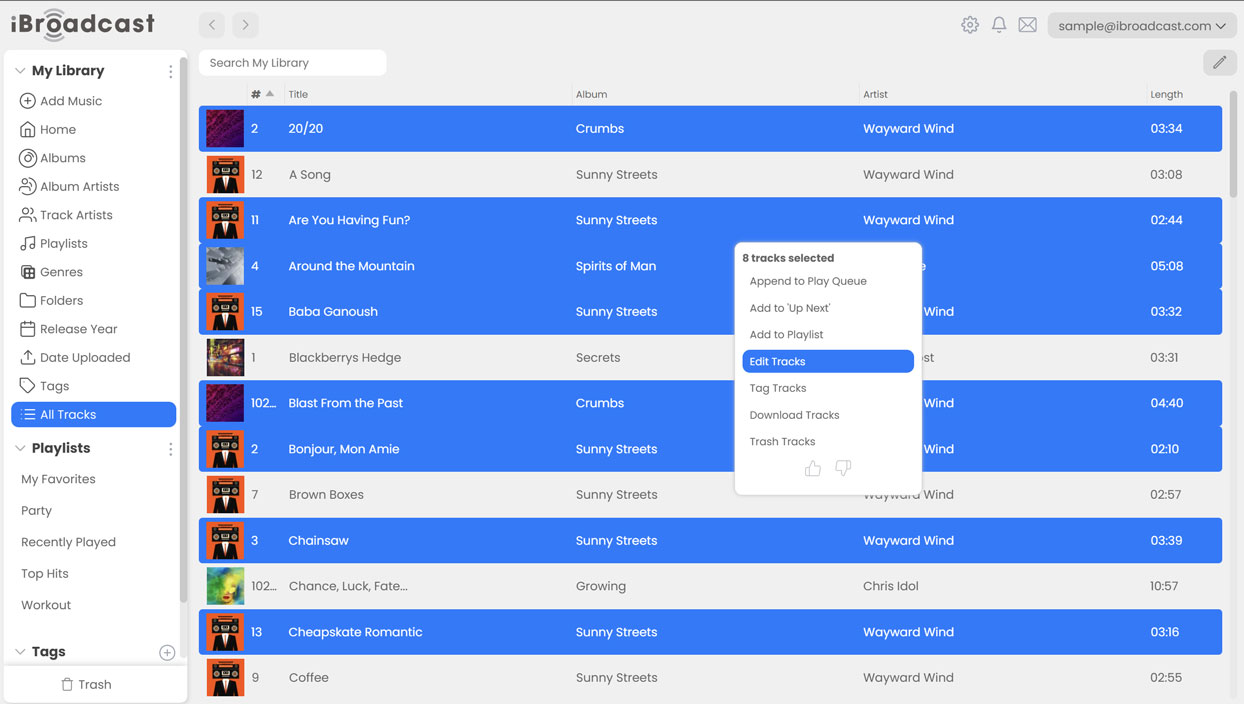
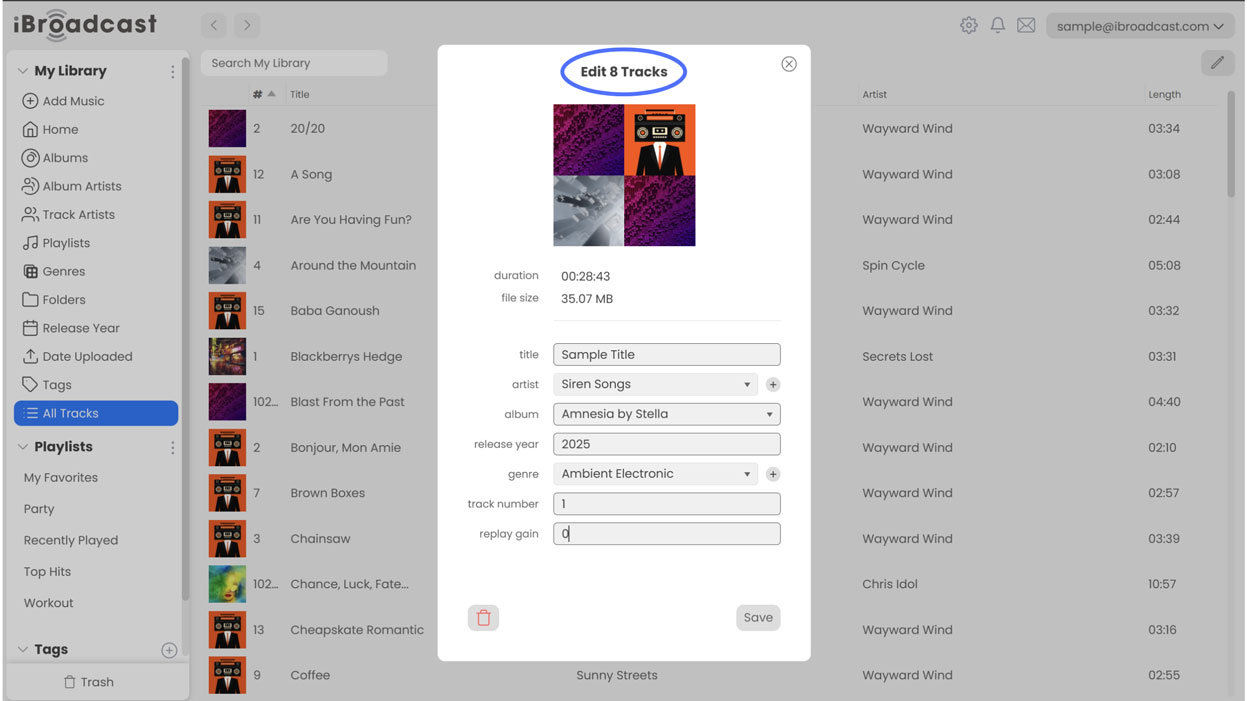
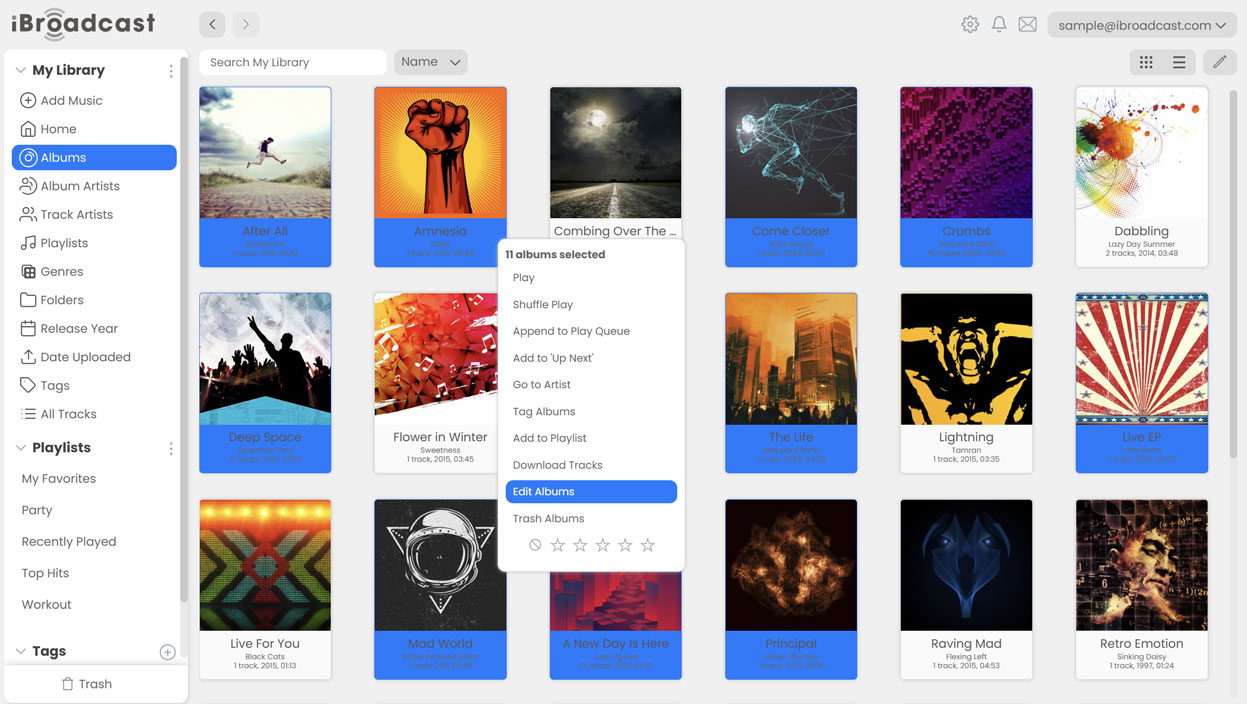
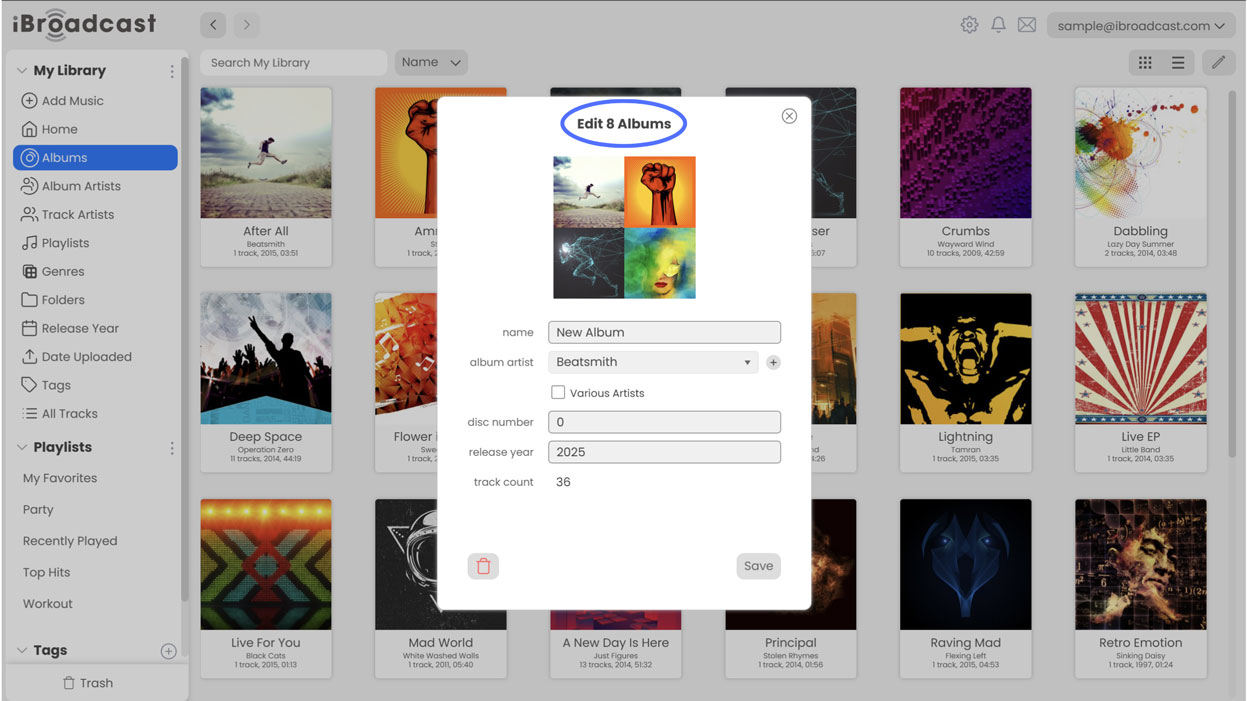
1. Bulk editing is here! After our legacy editor was phased out, many of you requested the addition of a bulk editing feature to allow you to make changes to your library on a larger scale and with greater flexibility. The new bulk editing feature allows you to edit multiple tracks or albums at once using the same right click > edit track (or album) flow.
To select multiple consecutive tracks, hold down "Shift", or to select non-consecutive tracks, hold down Command (Mac) or Ctrl (Windows), then right click, and select "Edit Tracks". This will open a window similar to the single Edit Track window that you’re familiar with, but changing the values will make changes to all of the selected tracks at once. You can use this feature to edit the title, artist, album, release year, genre, track number, or replay gain of all of the tracks.
To edit multiple albums at once, follow the same steps while clicking on album containers. You can update album metadata in bulk, including the name, album artist, disc number, or release year.
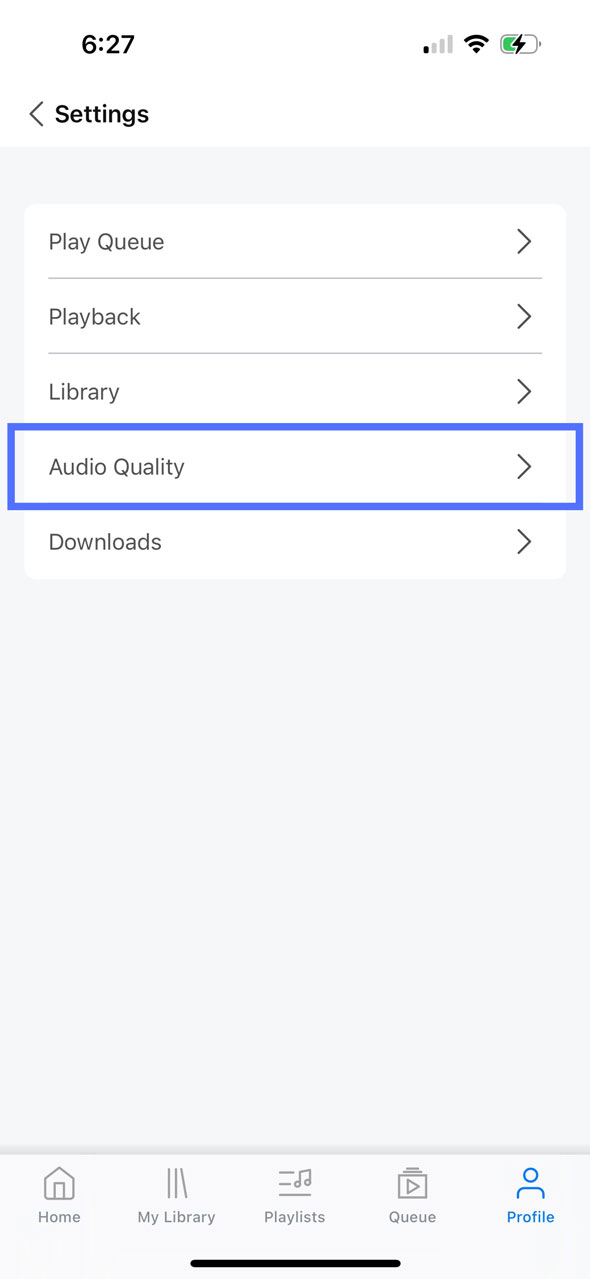
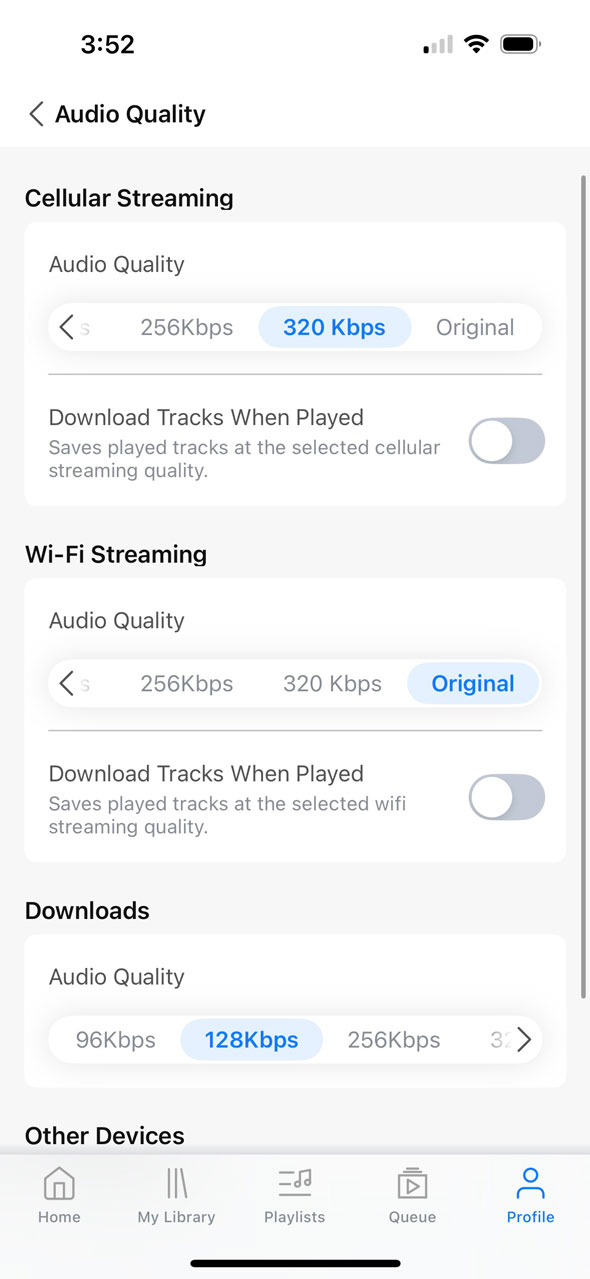
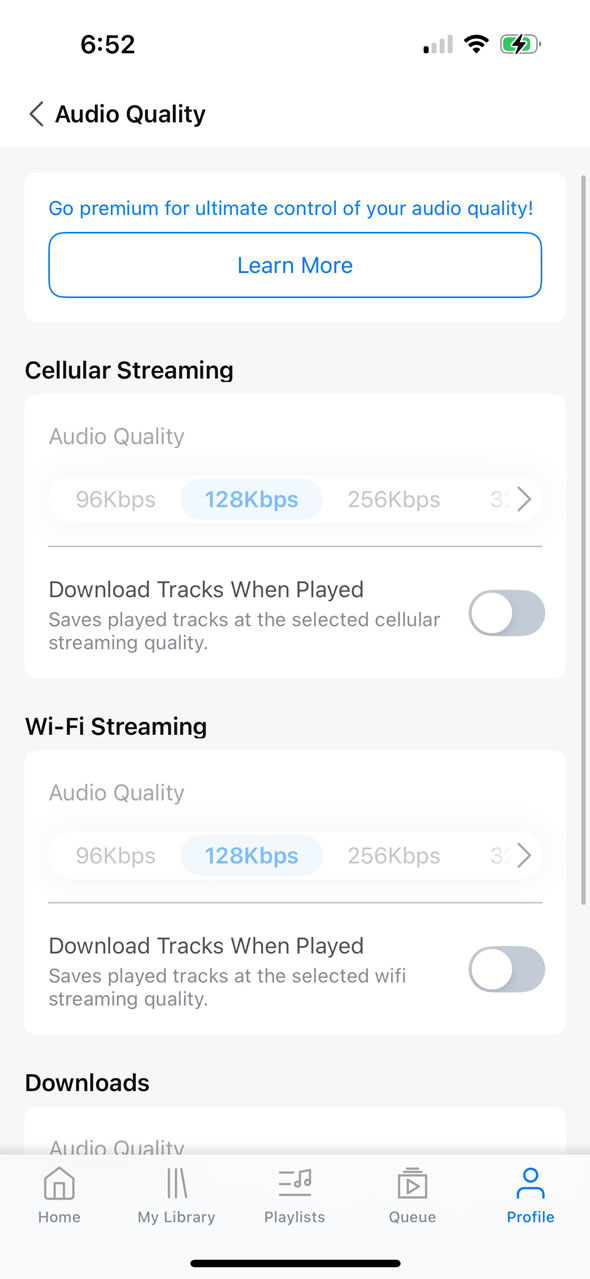
2. Additional streaming bitrate options. Additional streaming bitrates have long been available in the mobile apps, but until now, the web player has only supported streaming in either 128 Kbps or Original Quality. Now, you can additionally choose to stream in 96, 192, 256, or 320 Kbps, or in "Auto", which will automatically choose the optimal bitrate for your internet speed to provide the most seamless streaming experience.
To set your preferred streaming bitrate, go to Settings, and under Audio Quality, adjust the slider next to "Streaming". This option is only available to Premium users, as the standard membership only supports streaming in 128 Kbps.
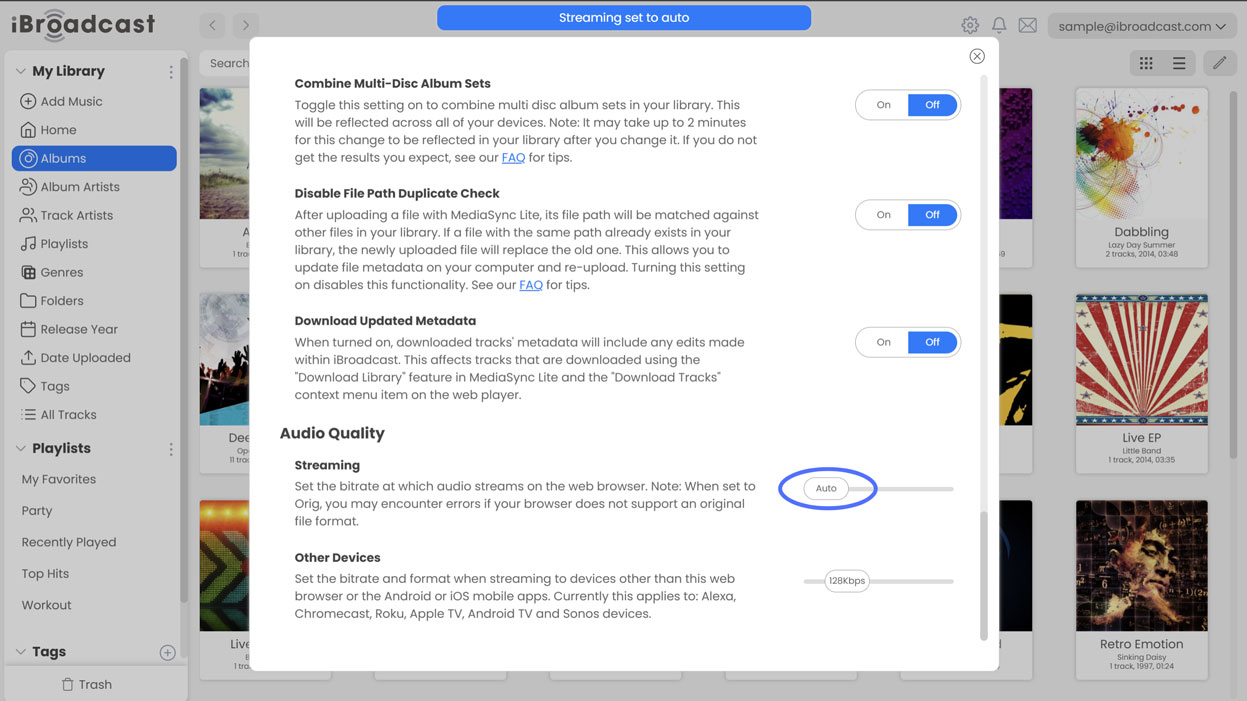
3. Unsupported original files will now play in the nearest supported bitrate. Premium users have the option to set their playback quality to "Original", which will play the original file that is uploaded to iBroadcast. However, this could sometimes cause problems if the original file was in a format that isn't natively supported by their browser. Common cases included ALAC (Apple Lossless) files outside of the Apple environment, such as on a Windows computer or in any browser other than Safari, among other examples. To address this issue, we've made an update that will convert unsupported files to another format and play them in the closest available bitrate, such as 360 Kbps if the original file was in high or lossless quality. Even if your streaming preferences are set to Original, the system will automatically detect the unsupported files and convert them into a playable alternative format to prevent any unnecessary disruptions to your streaming experience.
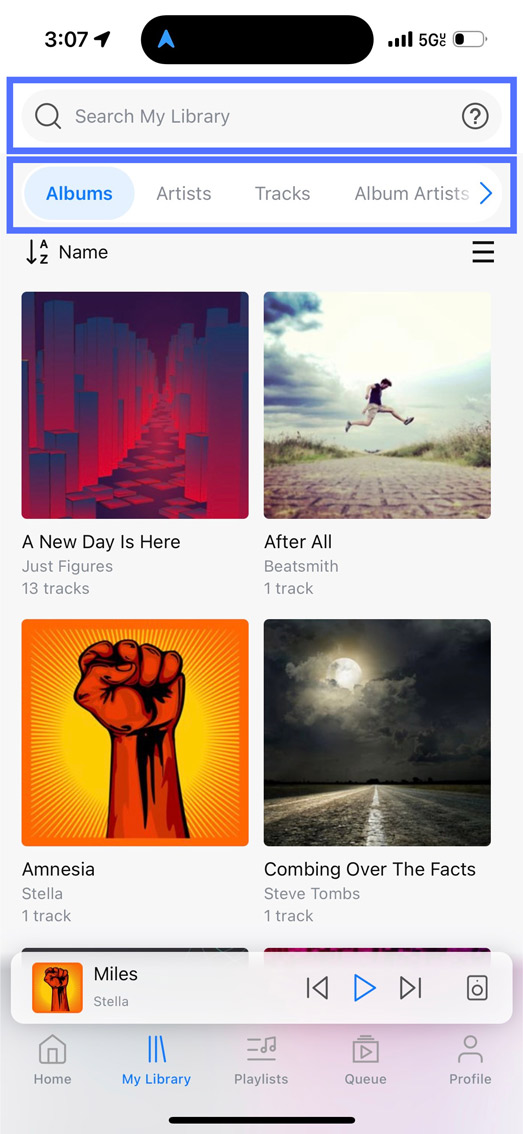
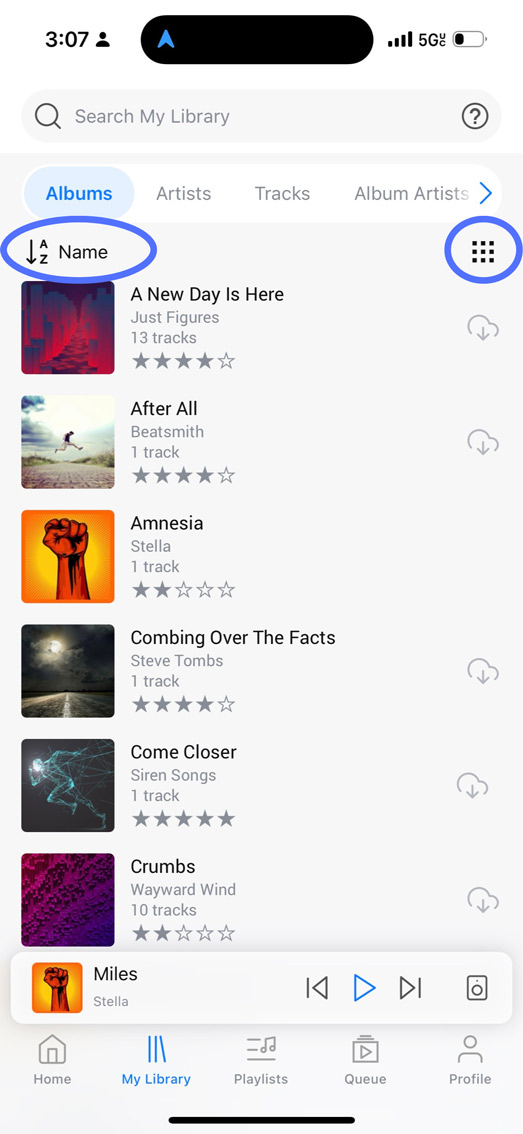
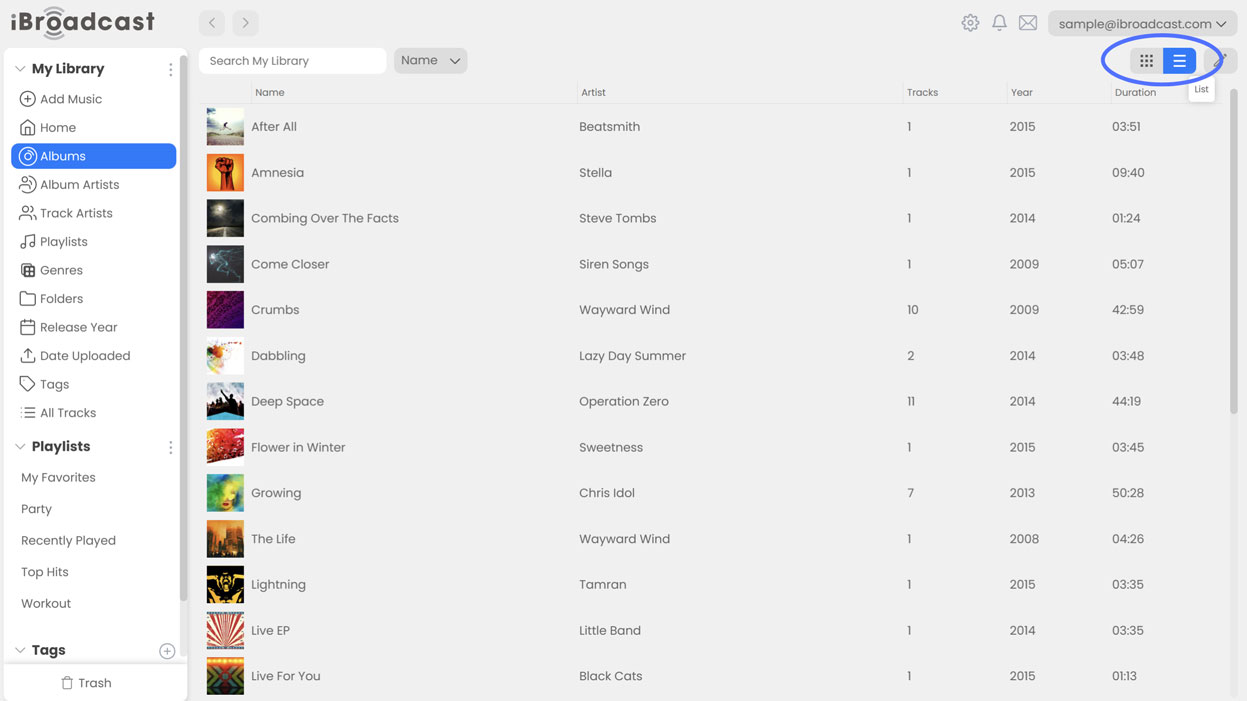
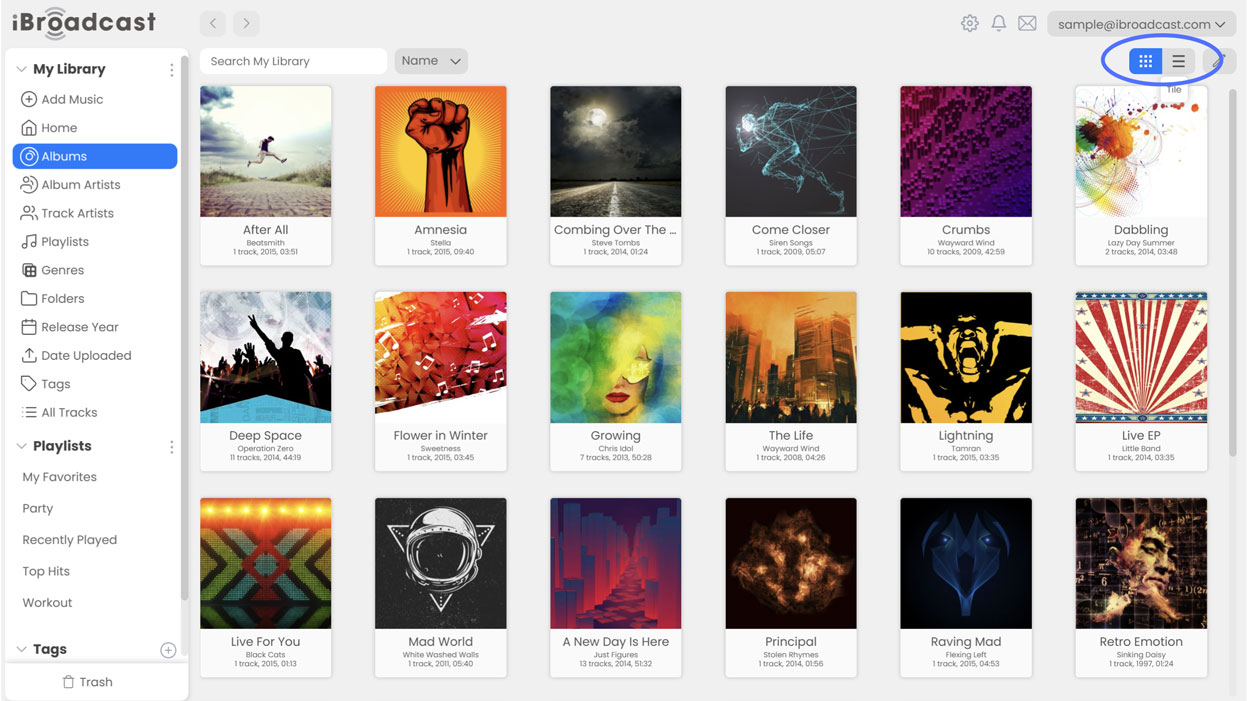
4. Added a list view option anywhere where there was only previously a tile view. For those who prefer lists to tiles when viewing their library, we’ve added a switch to toggle between list and tile view on library subsections such as Albums, Playlists, Genres, Artists. Tile view is still available by default for those who enjoy seeing the artwork as you browse, but list view can help save space on the page and make browsing quicker! To switch between views, click the list/tile switch on the top right of the page.
We hope you enjoy these updates, and please let us know what you think!
Full release notes are below:
- Bulk editing; select multiple tracks or albums, right click > edit
- Support for additional streaming bitrates
- Fall back to nearest bitrate for unsupported original file formats
- Added list view/tile view switch to containers
- Bug fixes and UI improvements